
pandas
pandas库介绍
[TOC]
概述
numpy在向量化计算中表现优异,但在处理更灵活、更复杂的数据中则相对较差。
功能
- 表格操作
- 基本操作:表格创建、查询、修改等
- 进阶操作:表格排序、索引转换、可视化等
- 透视表:分组、聚合、重塑(用于离散数据分析)
- 离散化和分位数分析(连续数据离散化后分析)
数据载入
- csv:文件后缀.csv
- 一种文本格式表格,默认用分号
- 如果表格内数据有逗号,应该用双引号包裹
- Excel:文件后缀.xlsx微软office办公
对象创建
一、Pandas Series对象
series是带标签数据的一堆数组
series对象的创建
通用结构:
1 | pd.Serives(data、index=index、dtype=dtype) |
data:数据、可以是列表、字典或Numpy数组
index:索引,为可选参数
dtype:数据类型,为可选参数
1.用列表创建
1.缺少index时,默认为整数序列
1 | import pandas as pd |
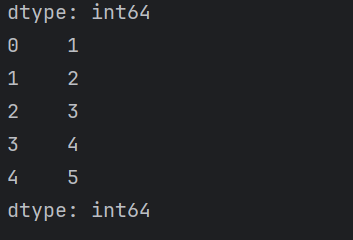
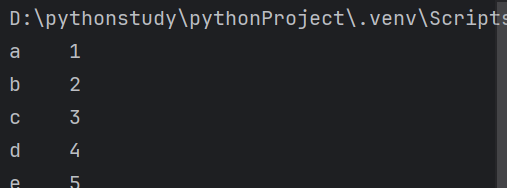
2.添加index时
行索引是Index对象
1 | import pandas as pd |
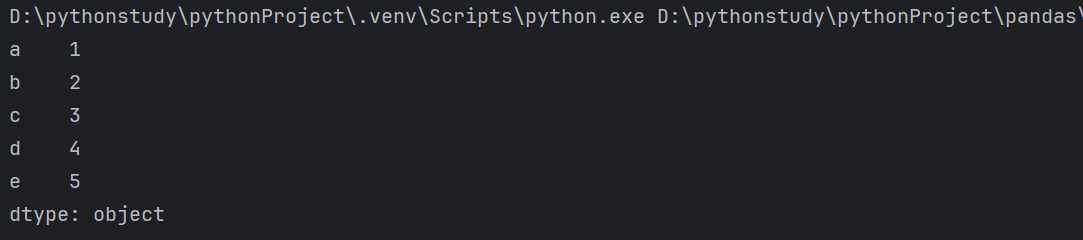
注意:可以设置多个数据类型
1 | import pandas as pd |
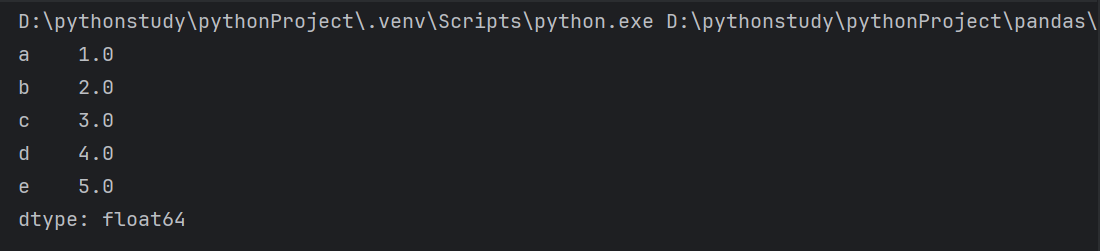
3.强制改变数据类型
1 | import pandas as pd |
2.用numpy数组创建
1 | import pandas as pd |
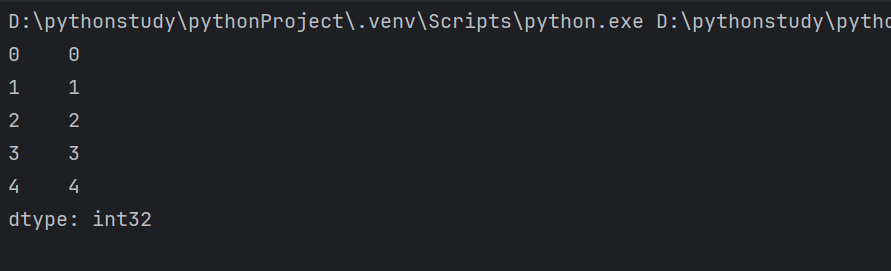
3.用字典创建
1 | import pandas as pd |

注:此时也可以使用index,当字典存在会帅选,不存在则显示NaN
1 | import pandas as pd |
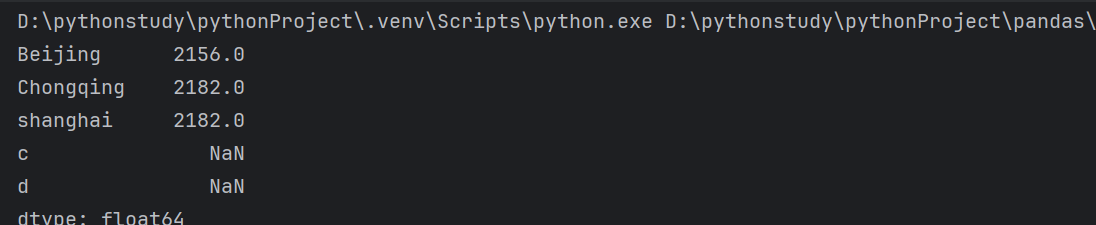
4.data为标量时
1 | import pandas as pd |

二、Pandas DataFrame对象
DataFrame是带标签数据的多维数组
DataFrame对象的创建
通用结构:
1 | pd.Dataframe(data,index=index,columns=columns) |
data:数据,可以是列表,字典或Numpy数组
index:索引,为可选参数
columns:列标签,为可选参数
1.通过Series对象创建
1 | import pandas as pd |
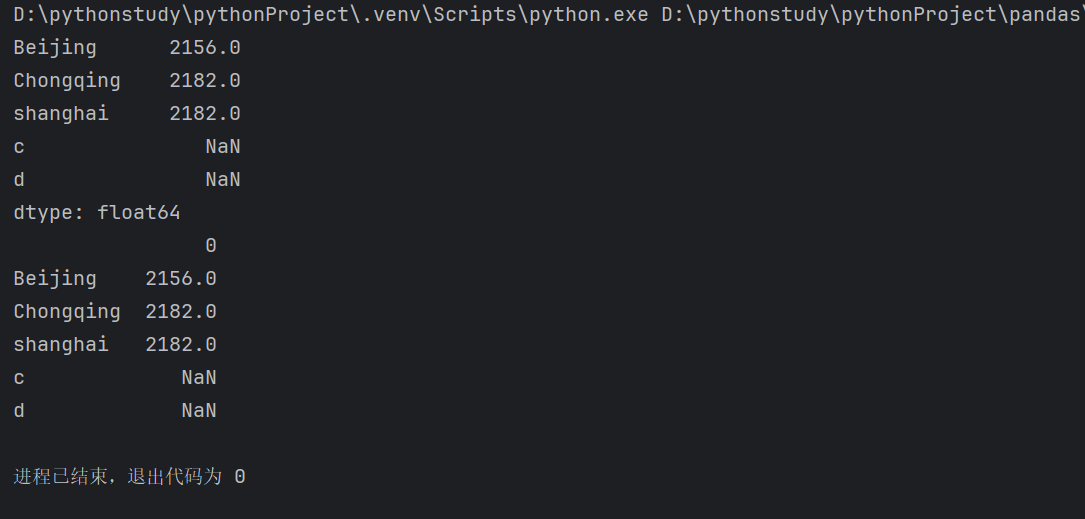
也可取名
1 | print(pd.DataFrame(population,columns=['population'])) |
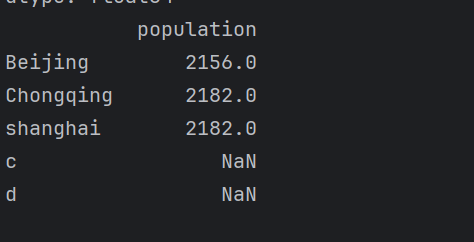
2.通过Series对象字典创建
1 | import pandas as pd |
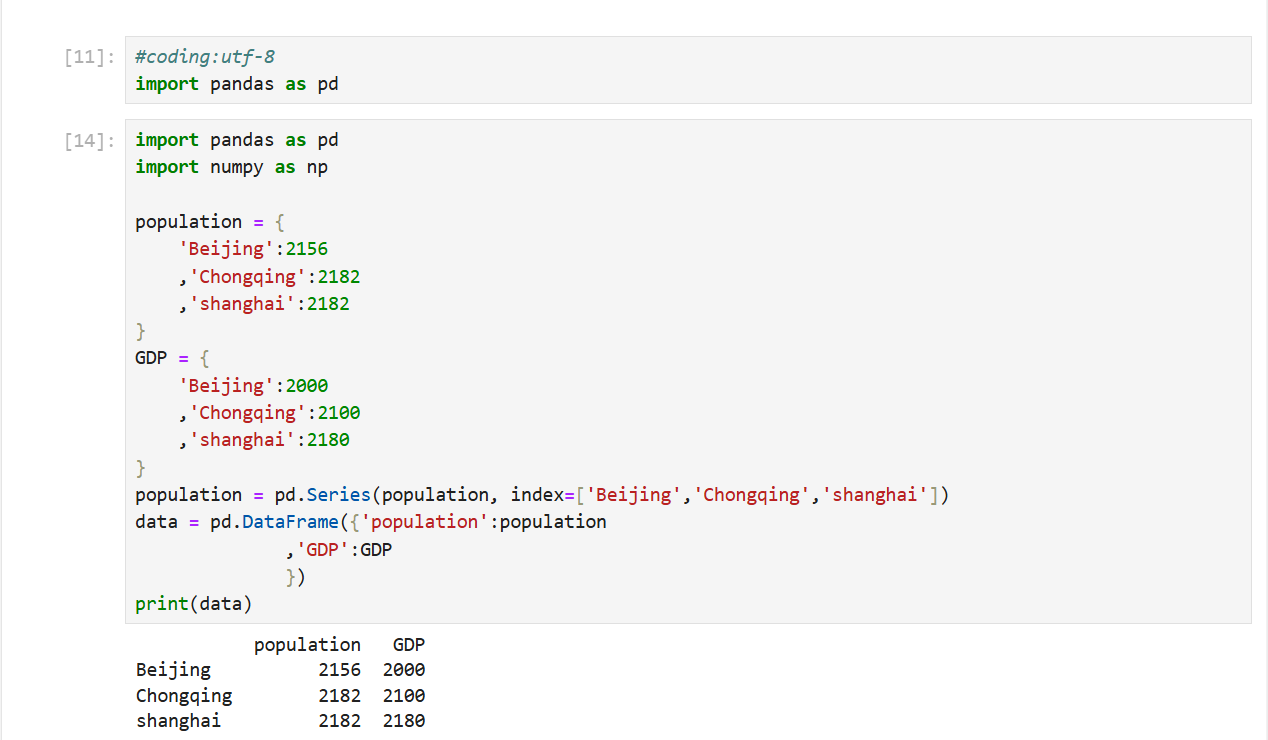
注:数量不够的会自动补齐
1 | print(pd.DataFrame({'population':population |
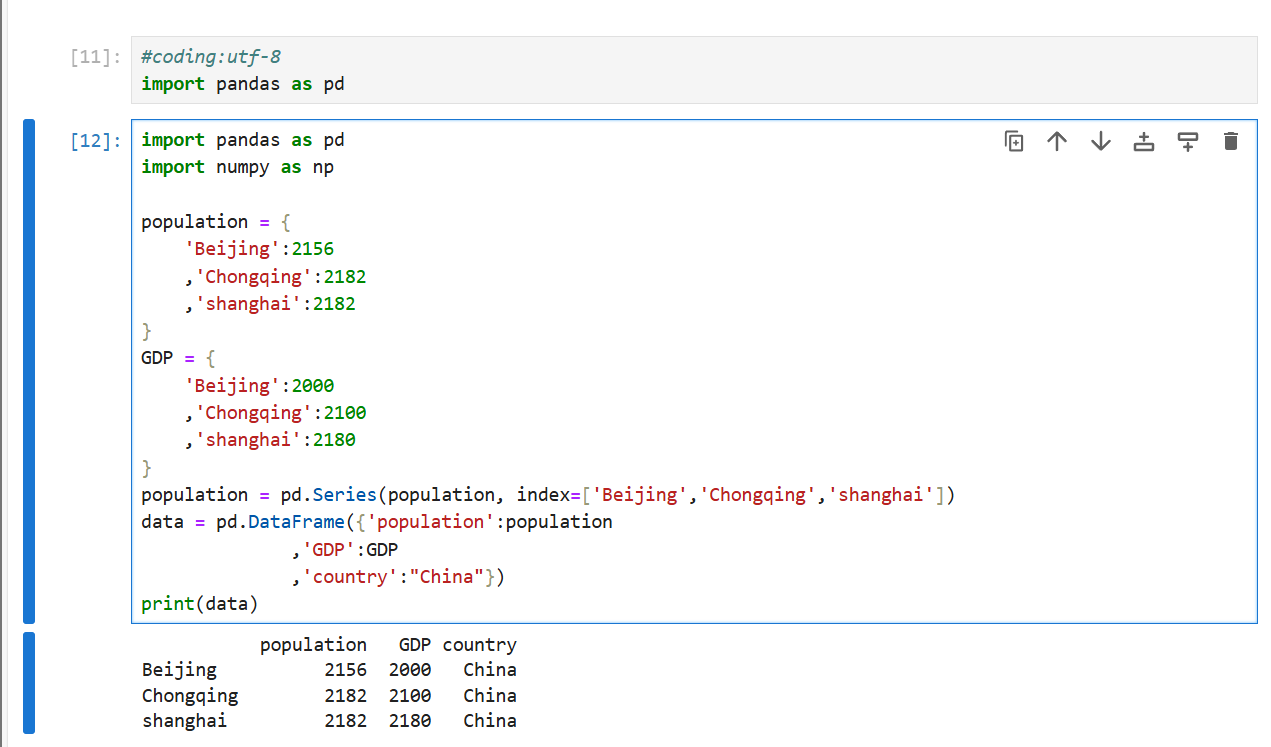
3.通过字典列表对象创建
- 字典索引作为index,字典键作为column
1 | data = [{"a": i,"b": 2*i} for i in range(3)] |
- 不存在的键会默认为NaN
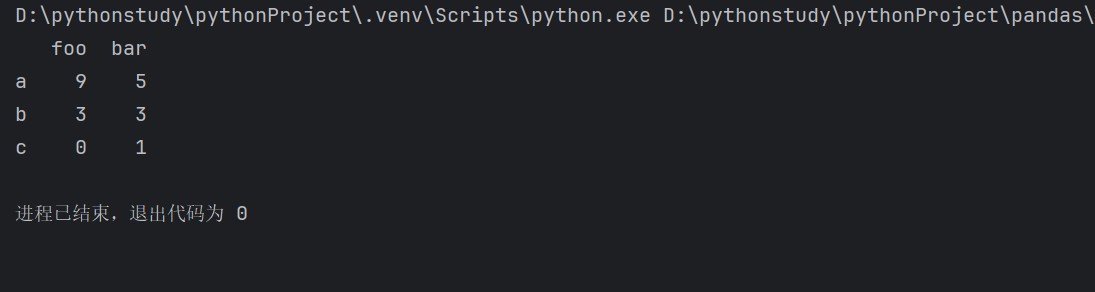
4.通过Numpy二维数组创建
1 | pd.DataFrame(np.random.randint(10,size=(3,2)),columns=["foo","bar"],index=["a","b","c"]) |
DataFrame性质
1.属性
1.df.values返回numpy数组表示的数据
1 | data.values |

2.df.index返回行索引项
1 | data.index |

3.df.columns返回列索引
1 | data.columns |
4.df.shape形状

5.df.size大小

6.df.dtypes返回每列数据类型

7.df.index.name:索引对象名
2.索引
储存轴标签的数据结构是Index
DataFrame,行索引和列索引都是Indes对象
3.获取值
DataFrame和Series的关系
Dataframe每一列都是Series,Dataframe每一行都是Series
1.获取列
- 字典式
1 | data["pop"]//获取pop一列的数据 |
- 对象属性式
1 | data[["GDP","pop"]]//获取GDP与pop两列的数据 |
2.绝对索引获取行
1 | data.loc["BeiJing"]//获取BeiJing这一行的数据 |
1 | data.loc[["BeiJing","HangZhou"]]//获取多行数据 |
3.相对索引获取行
1 | data.iloc[0]//取第0行数据 |
4.Series对象索引
缺失值处理
合并数据
构造一个生产DataFrame的函数
1 | def make_def(cols, ind): |
生成:
| A | B | C | |
|---|---|---|---|
| 0 | A0 | B0 | C0 |
| 1 | A1 | B1 | C1 |
| 2 | A2 | B2 | C2 |
1.垂直合并
1 | df_1 = make_df("AB",[1,2]) |
1 | pd.concat([df_1,df_2]) |
| A | B | |
|---|---|---|
| 1 | A1 | B1 |
| 2 | A2 | B2 |
| 3 | A3 | B3 |
| 4 | A4 | B4 |
添加参数ignore_index=True时重置标签
2.水平合并
本博客所有文章除特别声明外,均采用 CC BY-NC-SA 4.0 许可协议。转载请注明来自 小chen妙妙屋!
相关推荐


评论